Introduction
Leaving a laptop behind at airport security can be a stressful experience. It often happens during rushed check-ins, tray screening, document checks, or while collecting multiple personal items after the X-ray process. Many travelers only realize the laptop is missing after reaching the boarding gate, arriving at their destination, or unpacking at home.
The good news is that laptops lost at airport security are often recoverable if you act quickly and follow the right steps. In this guide, we explain exactly what to do, who to contact, and how professional recovery and delivery support can help.
Why Laptops Get Left Behind at Airport Security
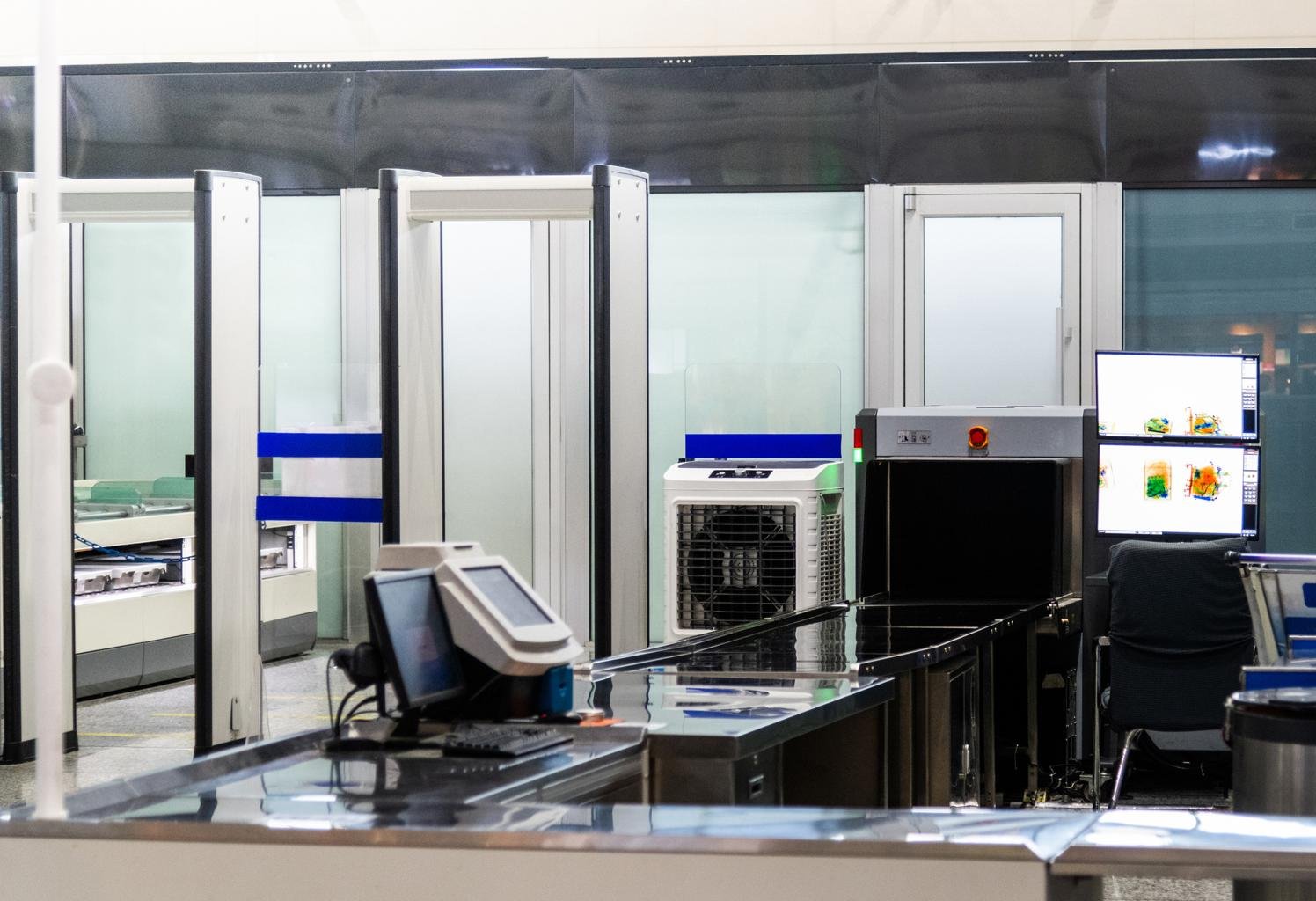
Airport security screening requires passengers to remove electronics from bags in many situations. During this process, laptops are placed in separate trays and can easily be forgotten when travelers are in a hurry.
Common reasons include:
- Managing multiple trays at the same time
- Rushing to catch a flight
- Carrying phones, passports, wallets, and hand baggage together
- Distraction during the screening process
- Assuming the laptop was packed back into the cabin bag
What to Do Immediately After Realizing Your Laptop Is Missing
If you think you left your laptop at airport security, take action as soon as possible. A quick response increases the chances of successful recovery.
1. Confirm It Was Left at the Airport
Check your cabin bag, laptop sleeve, and personal items carefully. Sometimes the device is packed in an unexpected compartment.
2. Contact the Airport Lost and Found Team
Reach out to the airport's lost and found department or customer support team. If you are still at the airport, go directly to the information desk or security help desk. If you have already left, call or email the airport immediately.
3. Share Accurate Details
Provide clear information about your laptop, including:
- Brand name and model
- Color and size
- Serial number if available
- Laptop bag or sleeve description
- Date and approximate time of loss
- Security checkpoint or terminal location
4. Keep Your Travel Documents Ready
Most airports may ask for proof that the laptop belongs to you. Keep your boarding pass, ticket details, and ID proof ready before speaking to support staff.
How Airport Laptop Recovery Usually Works
Once the airport team locates the laptop, they may ask you to verify ownership and complete a release process. Depending on airport policy, collection may require:
- Identity verification
- Travel proof such as boarding pass or flight ticket
- Description matching
- Authorization letter if someone else is collecting on your behalf
In some cases, the airport or airline may allow an authorized logistics or recovery partner to collect the item and arrange shipment to your home.
Documents Required for Recovery
The exact requirements may vary, but commonly requested documents include:
- Government-issued ID proof
- Boarding pass or travel ticket
- Proof of ownership if available
- Authorization letter if a third party is collecting the item
- Contact details and delivery address
Can a Lost Laptop Be Delivered to Your Home?
Yes, in many cases, a recovered laptop can be delivered to your home or office instead of requiring you to return to the airport personally. This is especially useful if:
- You have already reached another city
- The airport is far from your location
- You are traveling onward and cannot revisit the terminal
- You want a more convenient and secure handover process
Airport item recovery and baggage delivery services help coordinate pickup, documentation, packaging, and shipment.
How Vimaan Desk Helps
At Vimaan Desk, we help travelers with airport lost and found recovery and doorstep delivery support. If your laptop has been found by airport authorities, our team can assist in coordinating the pickup and delivery process based on applicable airport procedures.
Our support may include:
- Coordination with airport lost and found teams
- Guidance on required documents
- Authorized pickup assistance where permitted
- Secure packaging and courier coordination
- Doorstep delivery updates
Tips to Avoid Losing a Laptop at Airport Security Again
- Use a brightly colored laptop sleeve for easy visibility
- Count your trays before leaving the checkpoint
- Check the conveyor belt area one last time
- Keep electronics together in one dedicated bag section
- Create a quick travel checklist before moving away from screening
Conclusion
Losing a laptop at airport security is frustrating, but recovery is often possible when you act fast and provide accurate details. The key is to contact the airport immediately, keep your documents ready, and follow the correct recovery process.
If returning to the airport is difficult, professional lost-and-found delivery support can make the process easier and more convenient.
Need help recovering your laptop from the airport?
Book your recovery request now.
Also explore: